Education Library
Update Survey Questions & Answers
- Access surveys by going to Admin Tools > Client Manager >
 > Marketing Onboarding > Surveys
 - Click
 if not already listed
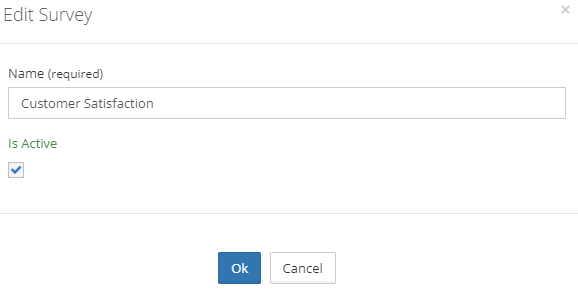
 - Click Is Active and OK.
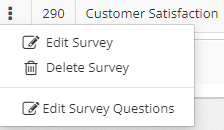
- To access the questions and answers click Edit Survey Questions.
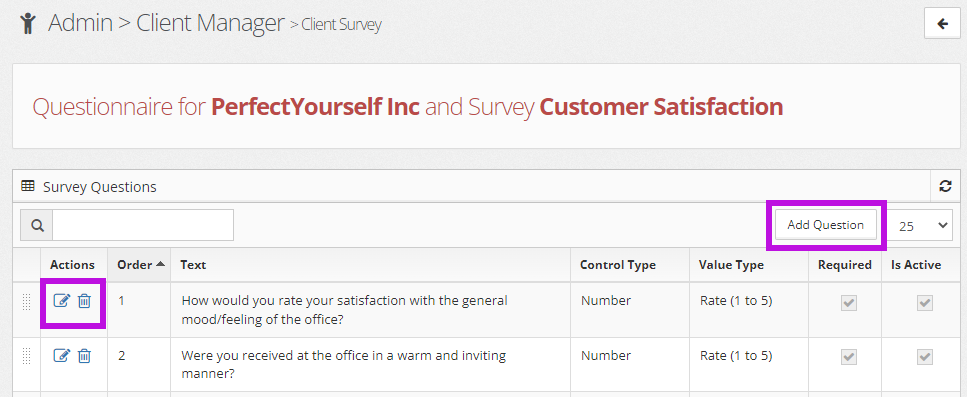
- Use the action buttons to edit or delete* existing questions. (*If a question has been answered at least once, it cannot be deleted. Uncheck the Is Active checkbox to remove it from the survey.)
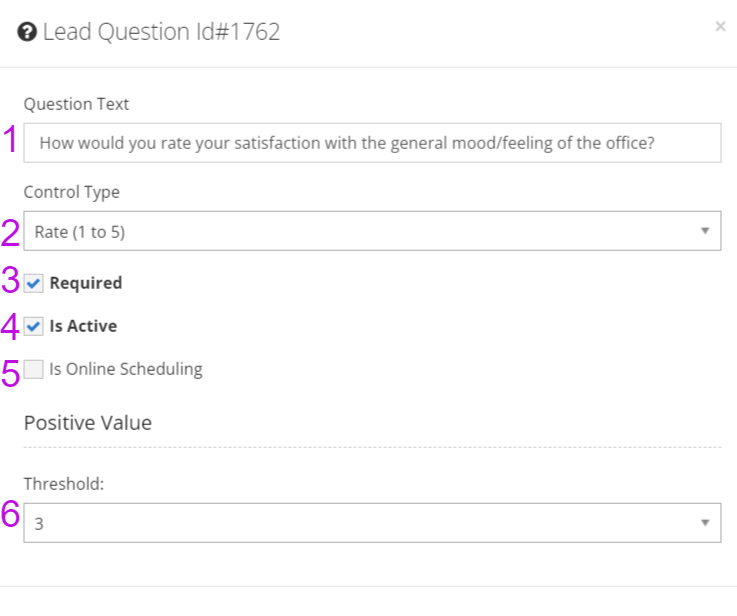
- See below for question and answer field definitions.