

Education Library
How-To Guide: Hospital Affiliations
Overview
The Hospital Affiliations section allows you to build a list of hospitals and medical facilities your practice and providers are affiliated with. This information is important for patient referrals, credentialing, marketing materials, and ensuring continuity of care when patients require hospital services.Adding Hospital Affiliations
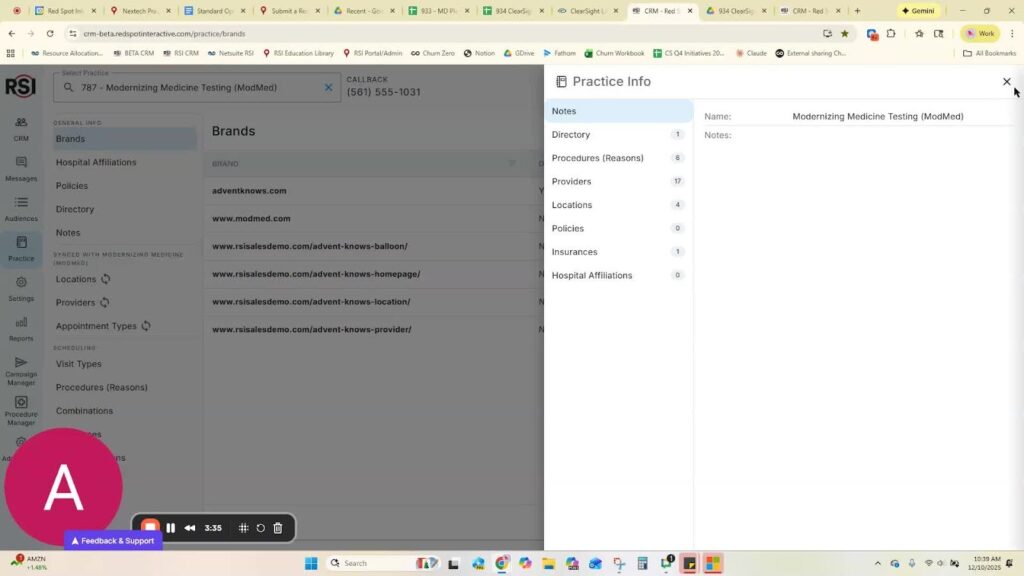
How to Manage Hospital Affiliations
Step 1: Access Hospital Affiliations Section
- Click the Practice icon button in the left side of the CRM
- Select Hospital Affiliations from the left side tray
Step 2: Add a New Hospital Affiliation
- Click the +New Hospital button
- Type the complete, official name of the hospital
- Click Save
Step 5: Edit Existing Affiliations
- Click on a hospital name in your list
- Update any changed information














