
Education Library
Activating Locations and Providers
Pre-Requisites for Setting Up Online Scheduling in Your CRM
- Introduction to Online Scheduling Setup 0:00
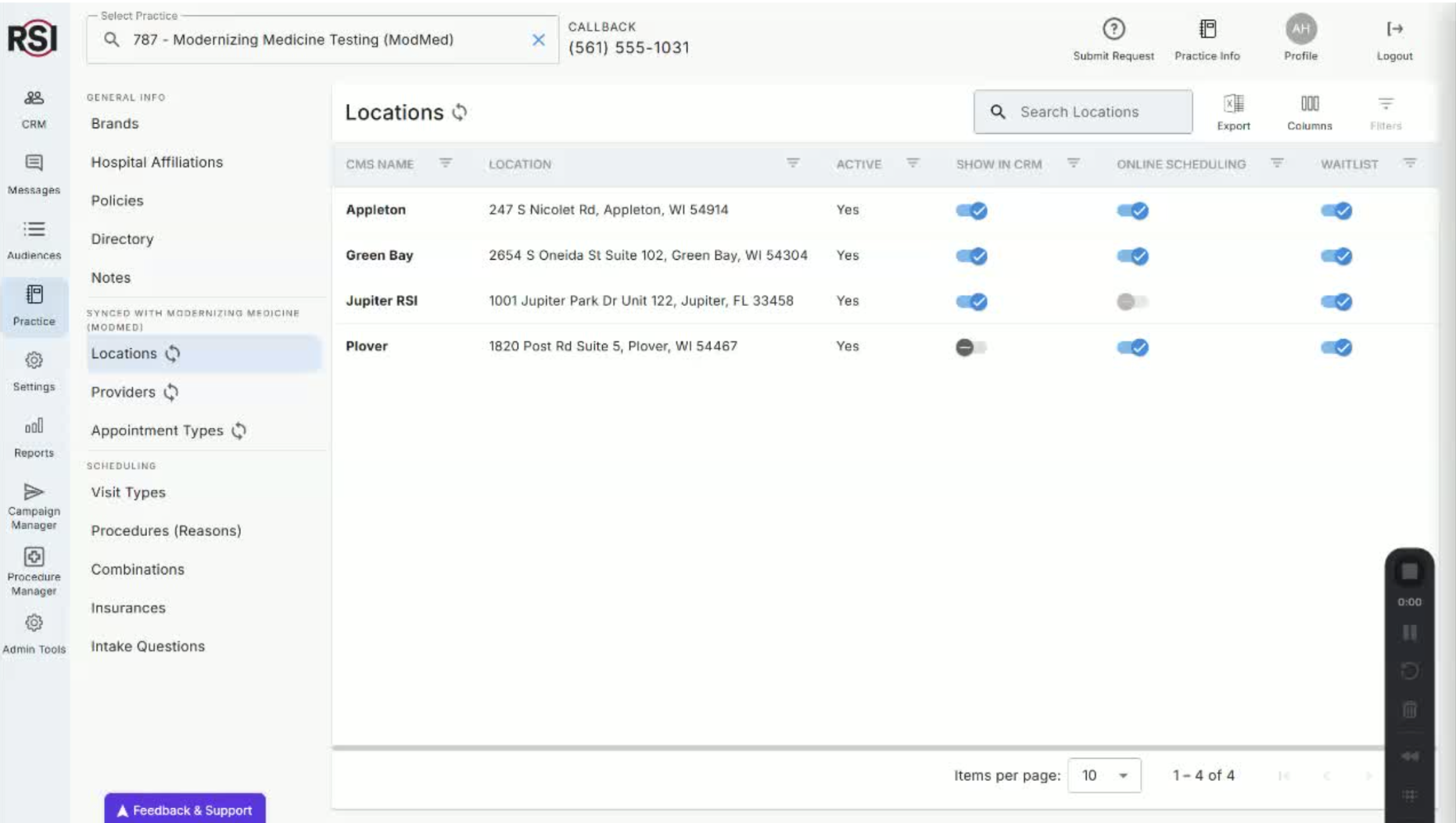
- Welcome to the RSI Education Series.
- Today’s focus: Building out your online scheduling feature.
- Importance of having the right foundation before starting the build.
- Prerequisites Overview 0:18
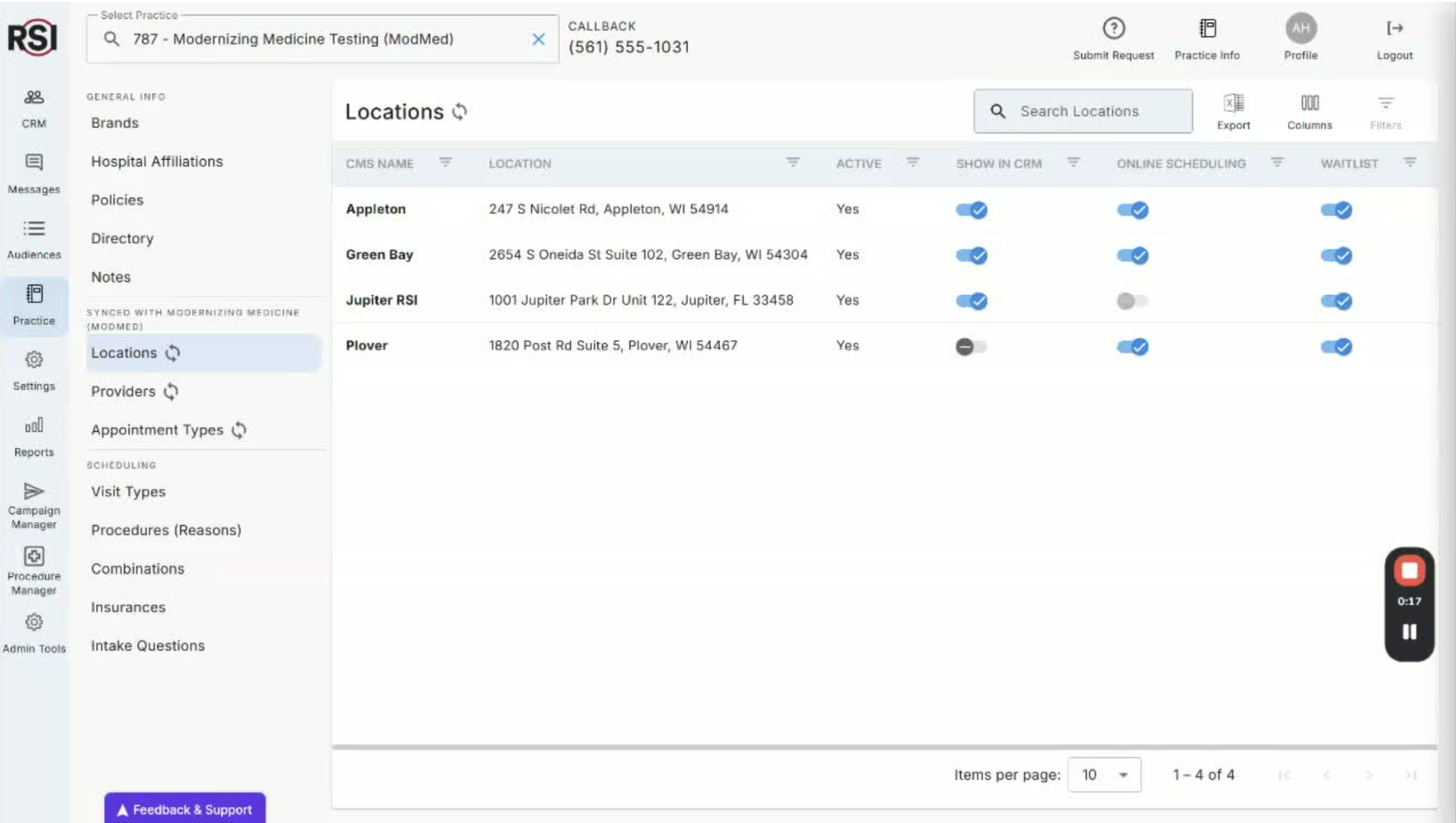
- Ensure you have the necessary prerequisites set up:
- Update locations in your CRM.
- Update providers available for online scheduling.
- Accessing Practice Information in CRM 0:35
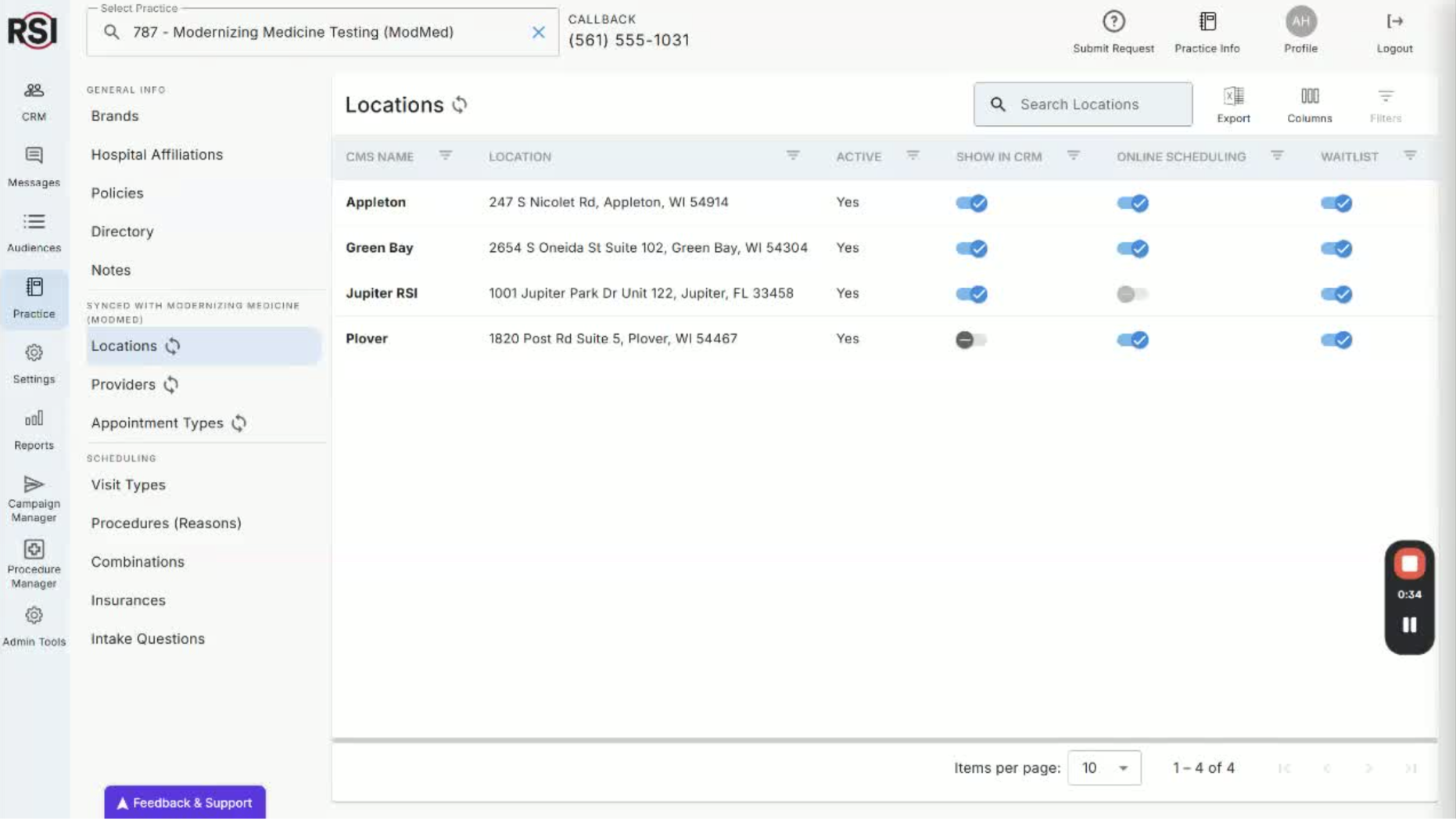
- Navigate to the practice section in your CRM.
- Ensure you have the right permissions to edit practice information.
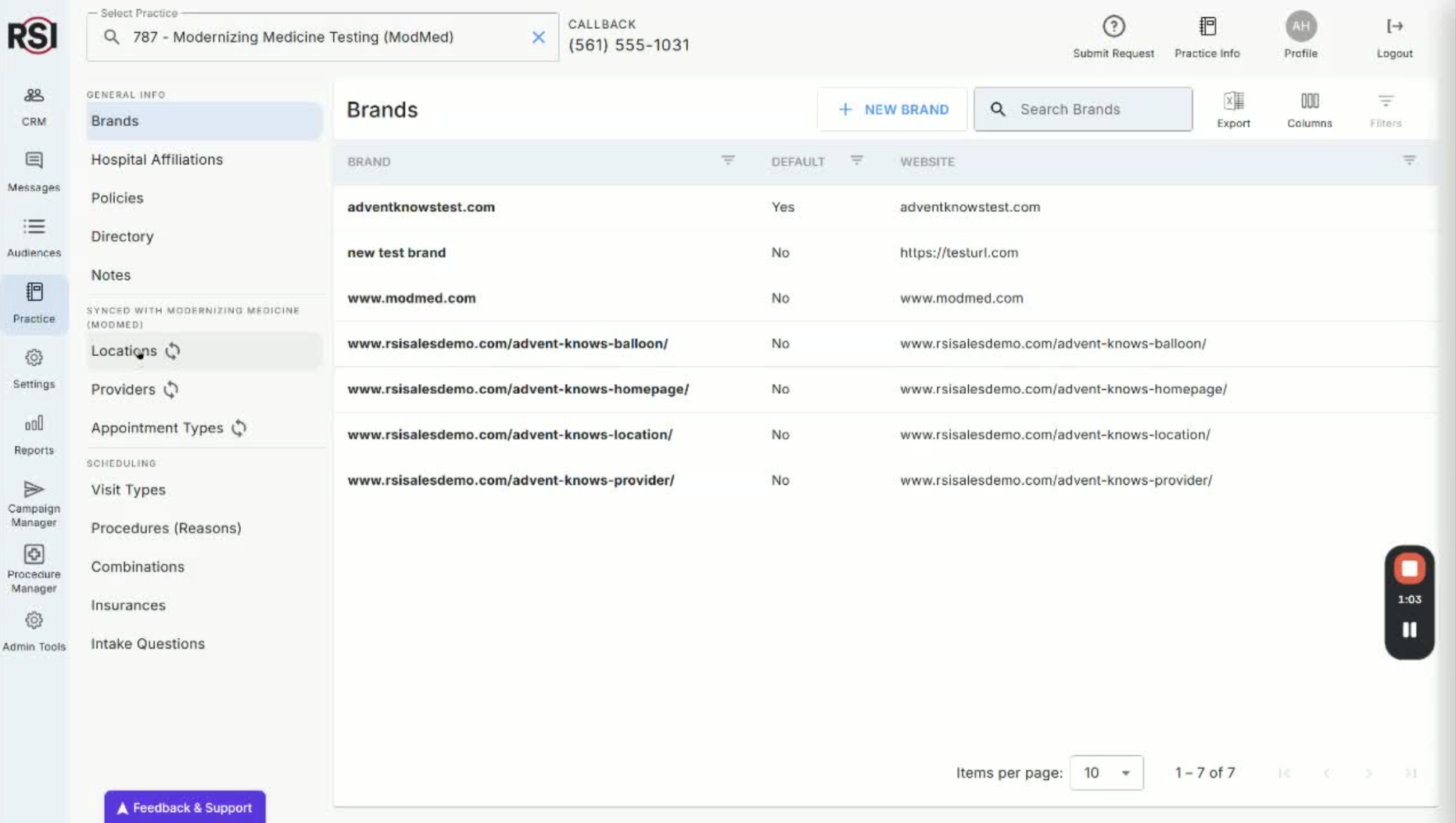
- Updating Locations for Online Scheduling 0:50
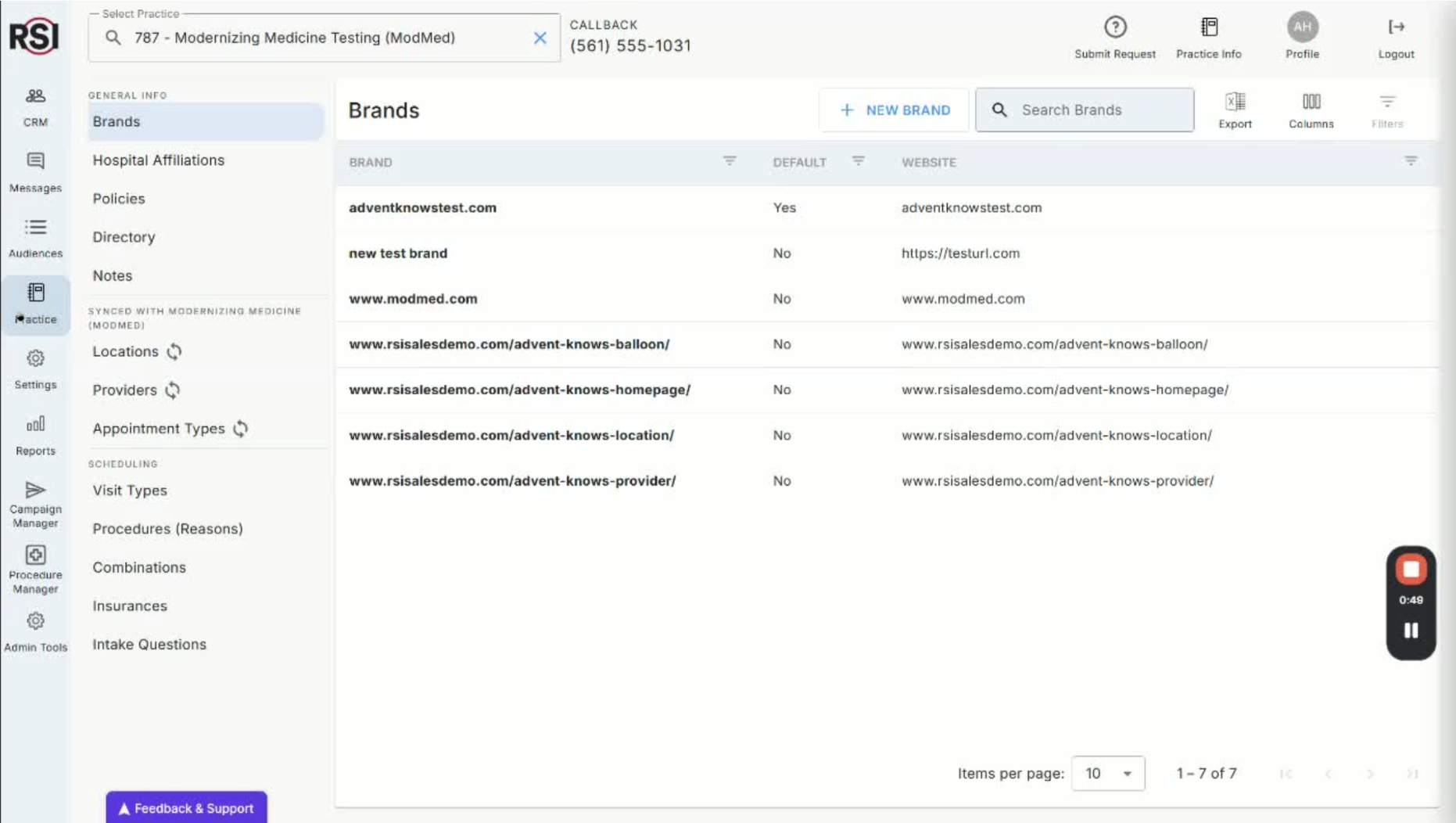
- View all active locations in your practice management system.
- Enable the following settings for each location:
- Show this location in the CRM.
- Make this location available for online scheduling.
- Use this location in your smart wait list.
- Setting General Hours for Locations 1:04
- Toggle the setting to make the location available for online scheduling.
- Set broad general hours (e.g., 8 AM to 5 PM).
- Clarification: These hours do not limit appointment scheduling but indicate availability.
- Saving Location Settings 2:46
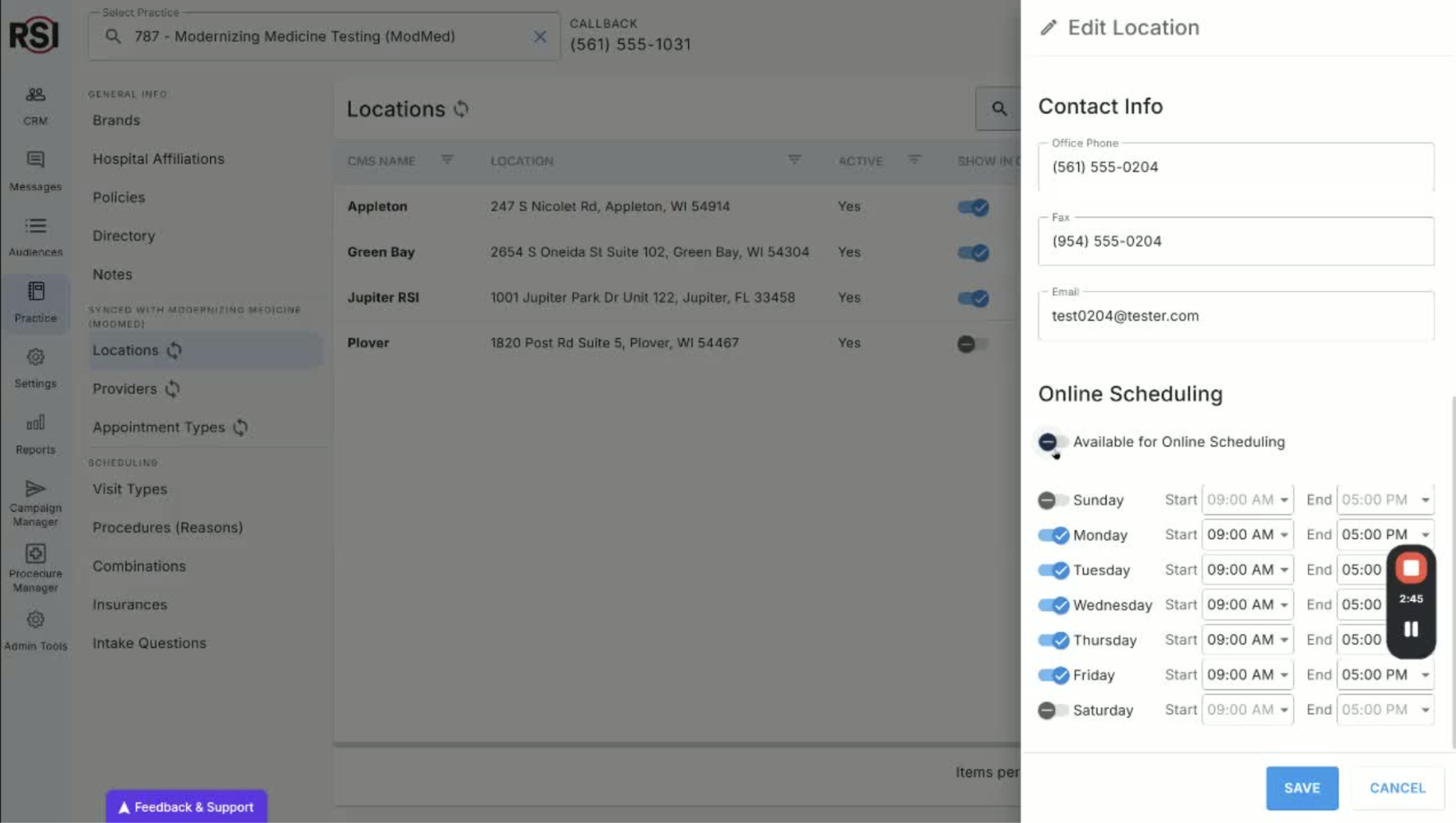
- After setting the hours, click ‘Save’.
- Repeat for each location that will have online scheduling.
- Updating Providers for Online Scheduling 3:05

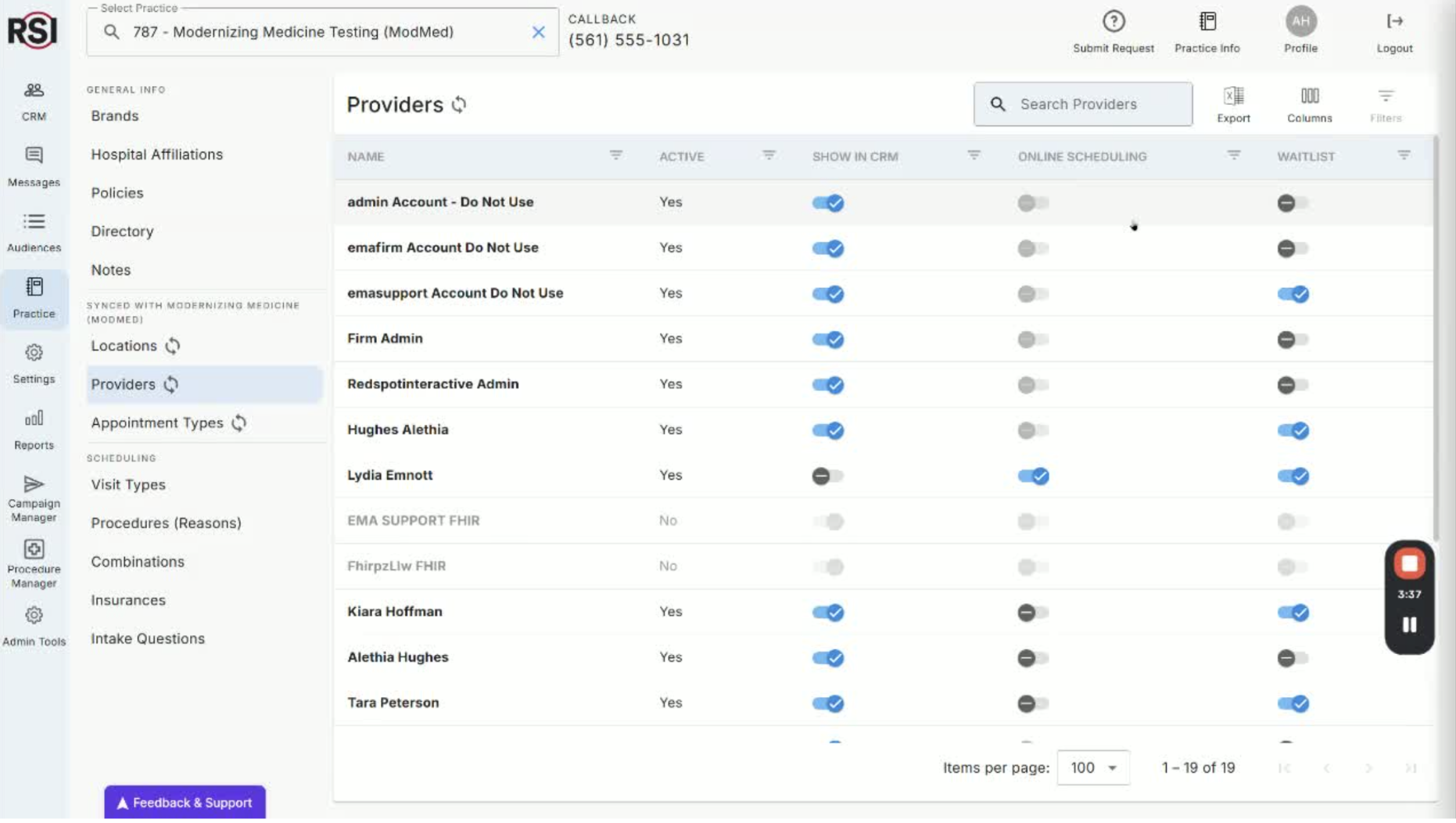
- Move on to updating providers after locations are enabled.
- Ensure providers are active in your practice management system.
- Editing Provider Information 3:34
- Click on a provider to edit their information:
- Set a professional public display name.
- Upload a photo for their scheduling profile.
- Add an online scheduling bio.
- Managing Insurance Information 4:47
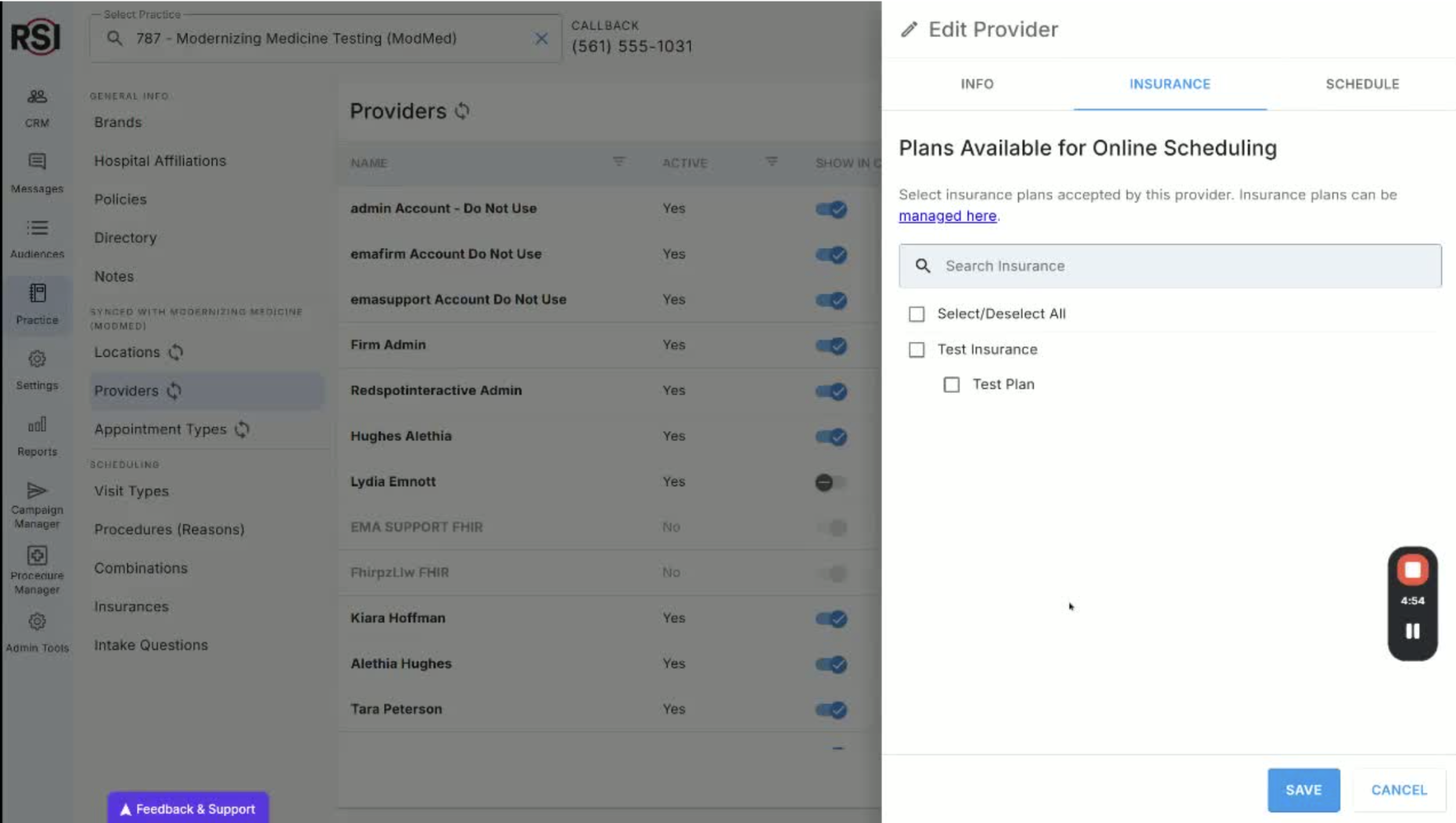
- Review the list of insurances for your practice.
- Link to a separate training session on managing insurance lists.
- Setting Scheduling Parameters for Providers 5:20
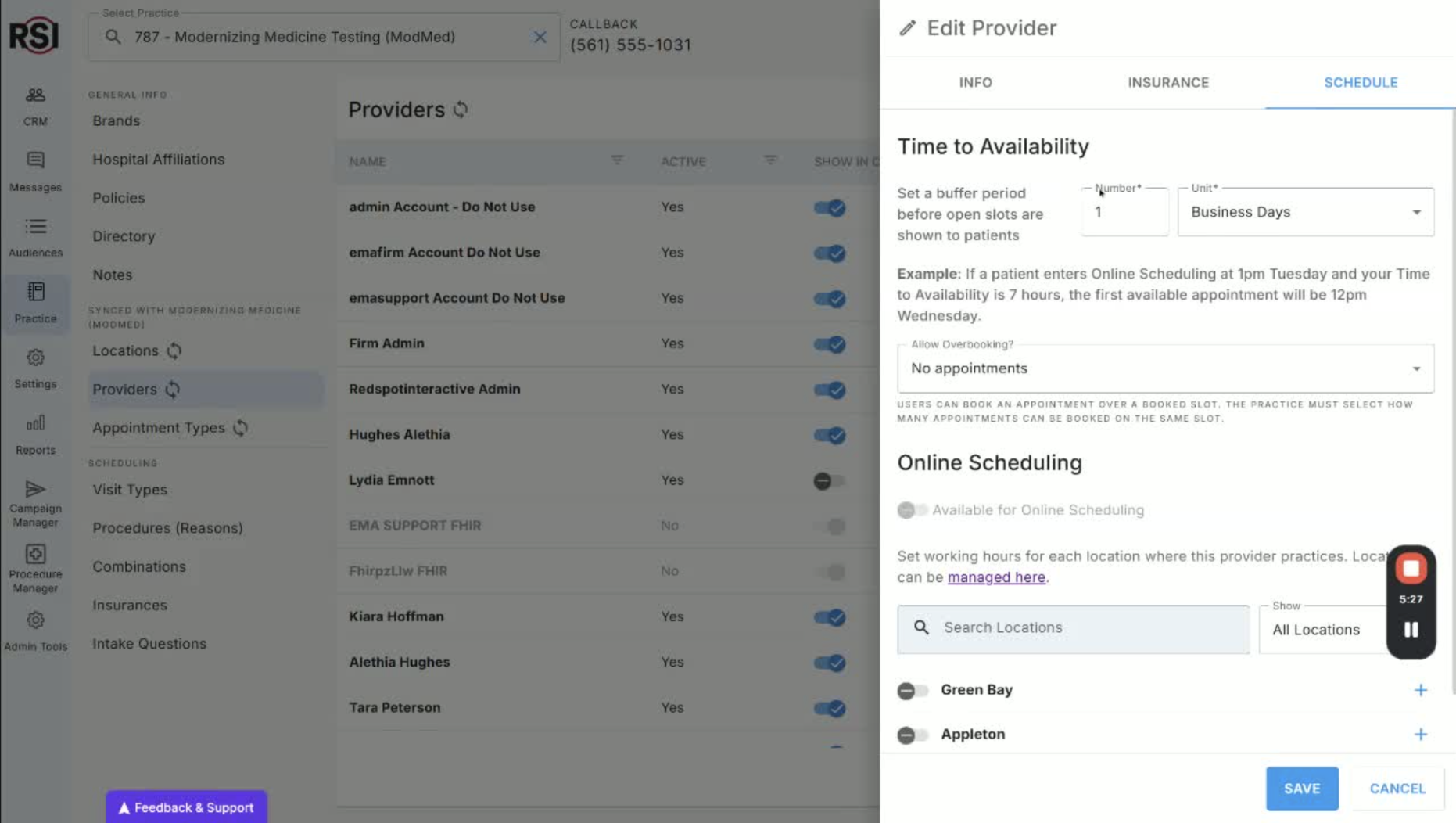
- Set buffer times for appointment availability:
- Example: A buffer of one business day means appointments show up the next day.
- Determine whether to allow overbooking.
- Activating Providers for Online Scheduling 6:32
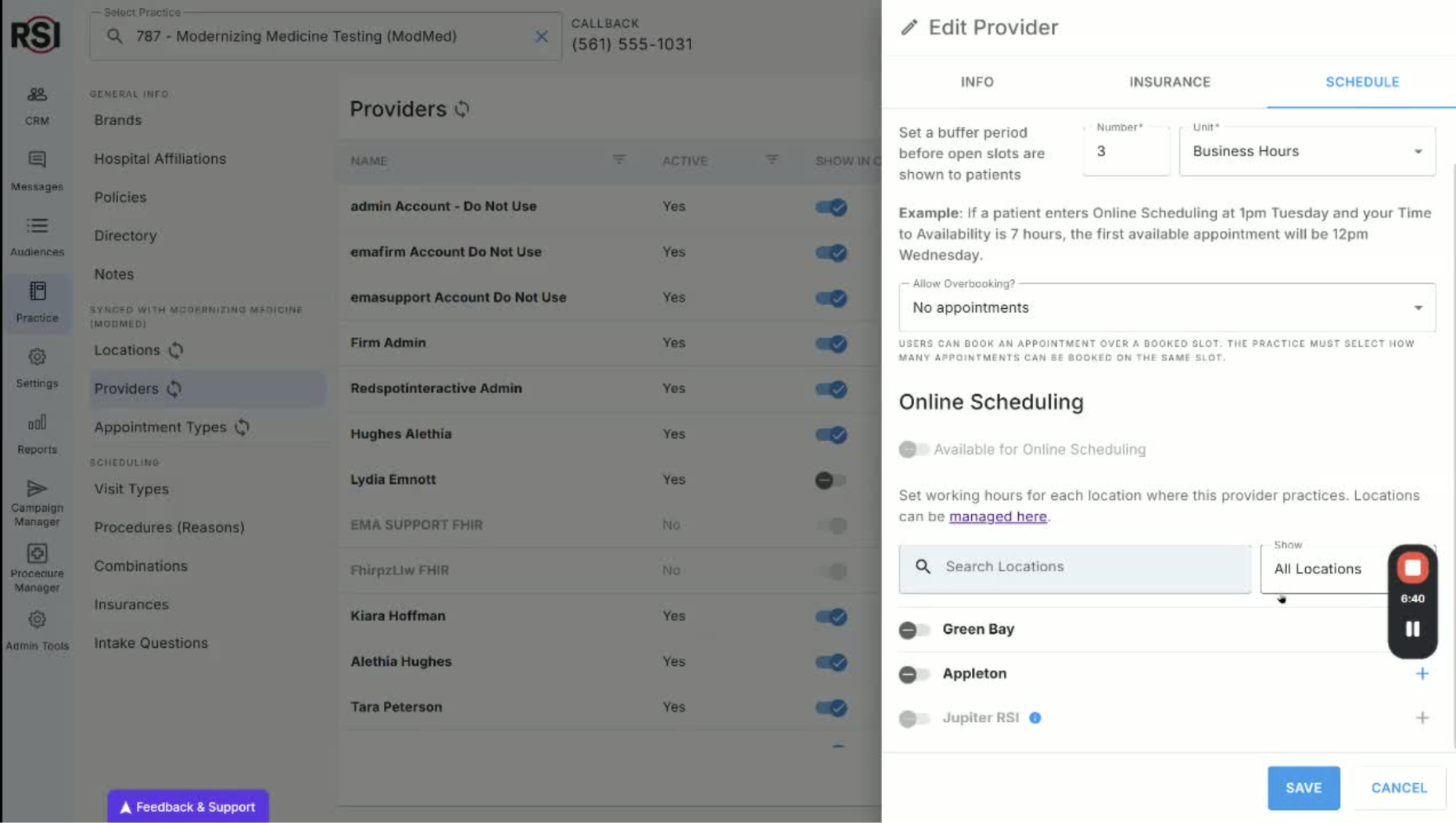
- Select locations for online scheduling for each provider.
- Ensure provider settings are completed before toggling availability.