

Education Library
API Configuration
In this document, you will learn how to enable the API for third party vendors.Firm Admin
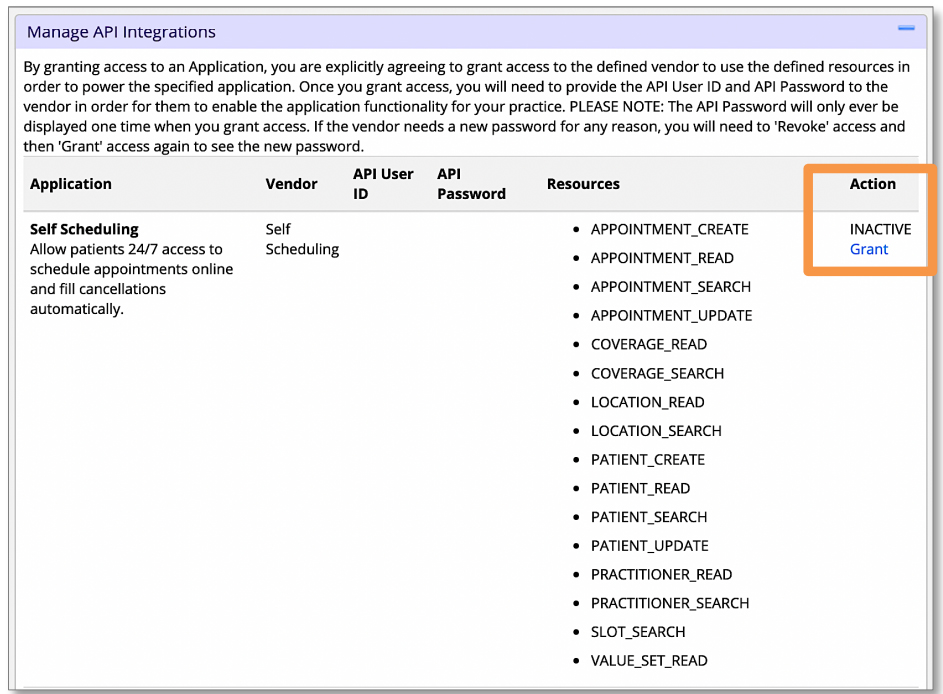
- In the Firm Admin, under the Practice Settings tab, navigate to Manage API Integrations. Select Grant to enable any/all 3rd party vendors that you will be integrating with.
- Once granted, an API User ID and Password will be generated.
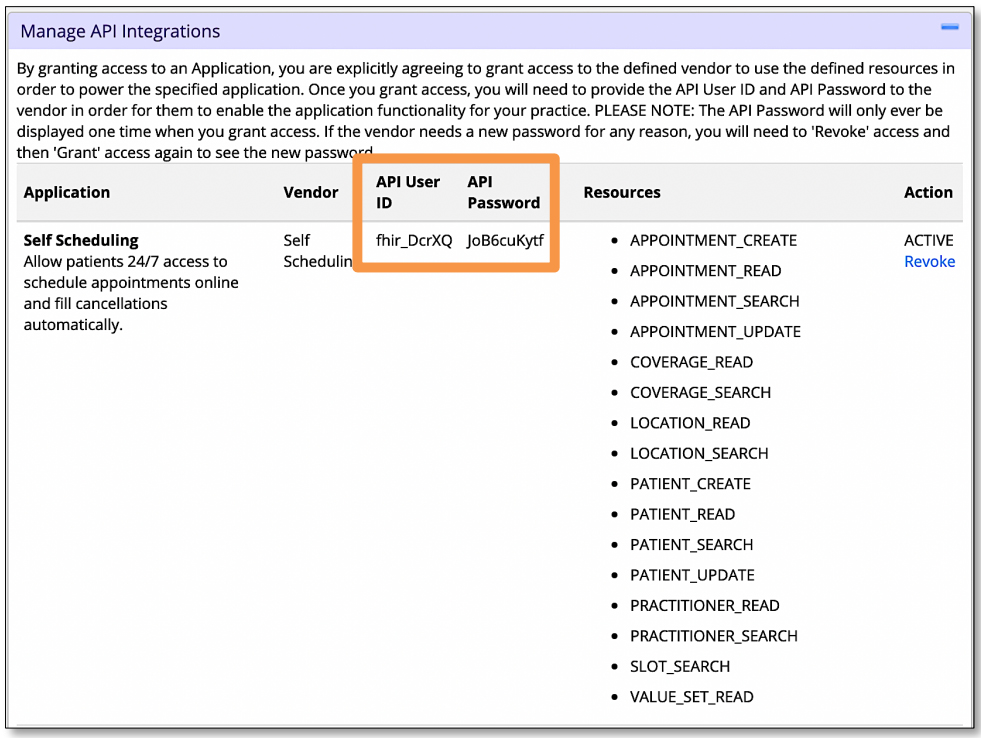
- Copy and paste these credentials and send them to your point of contact at the vendor














