Education Library
Add Recipient Filters to Appointment Reminders and Confirmations
- Use the filtering buttons on your notifications screen to create audience groups for the reminder. You can filter the groups by location
 , appointment type
  , and provider
  .
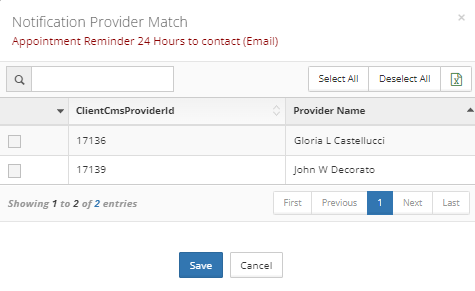
. - Open the filter lists and select the options you wan to send the reminder or confirmation for. If no options are selected, the reminder/confirmation will automatically send to all.
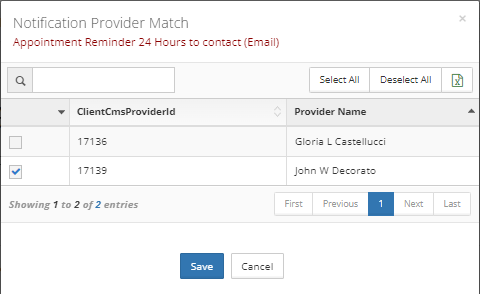 In this scenario no providers are selected so the reminder will send for all of them.