Education Library
Enable Red Spot for Integration in 4D
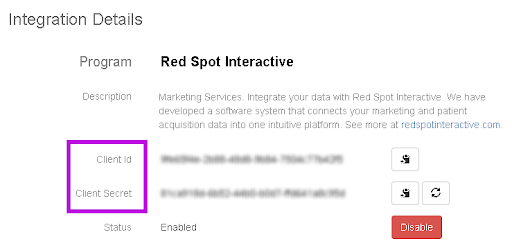
To integrate your system with RSI, please follow these steps. You will need to provide the following to your RSI account manager or onboarding specialist once complete.- Client ID
- Client Secret
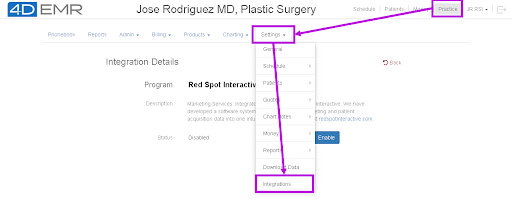
- Log in to 4D and Start API/data sync connection by going to the Practice > Settings > Integrations page.
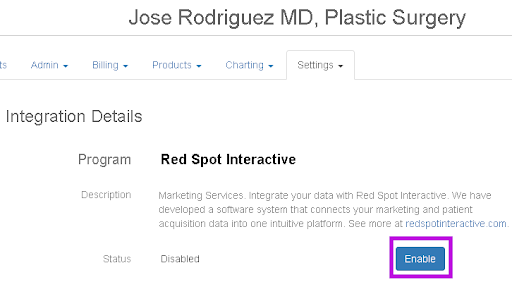
- Click the Red Spot tab and click Enable and you will see the Client ID and Secret, which you will need next.