Education Library
Create or Edit Contact from Text Message
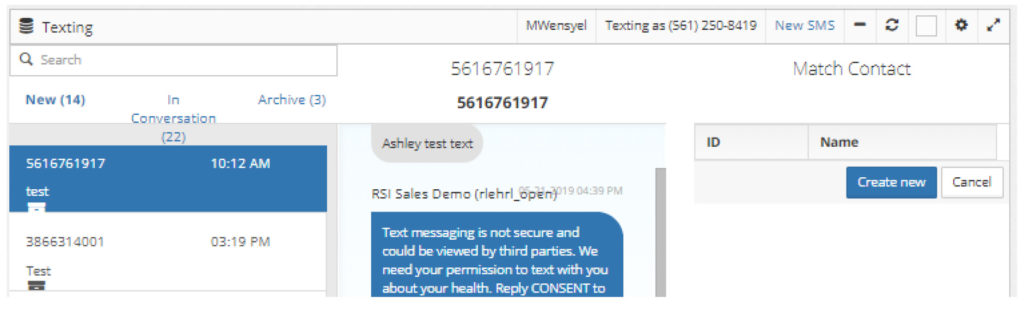
If a message is received from a phone number that is already within the patient database, the contact information will pull into the Contact section on the right side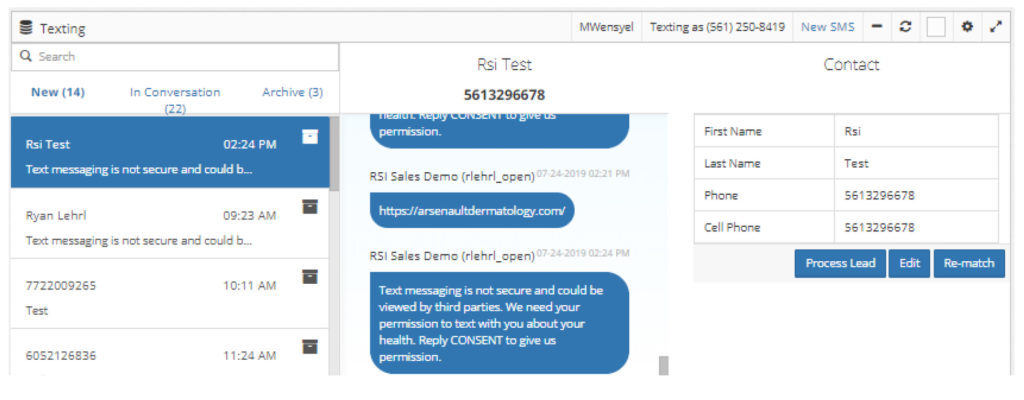 If a message is received from a phone number that does not exist within the patient database, a Match Contact section will display on the right side. Select the Create new button to create a new contact using the mobile phone number the text was received from.