Education Library
Add a Contact as a Notification Recipient
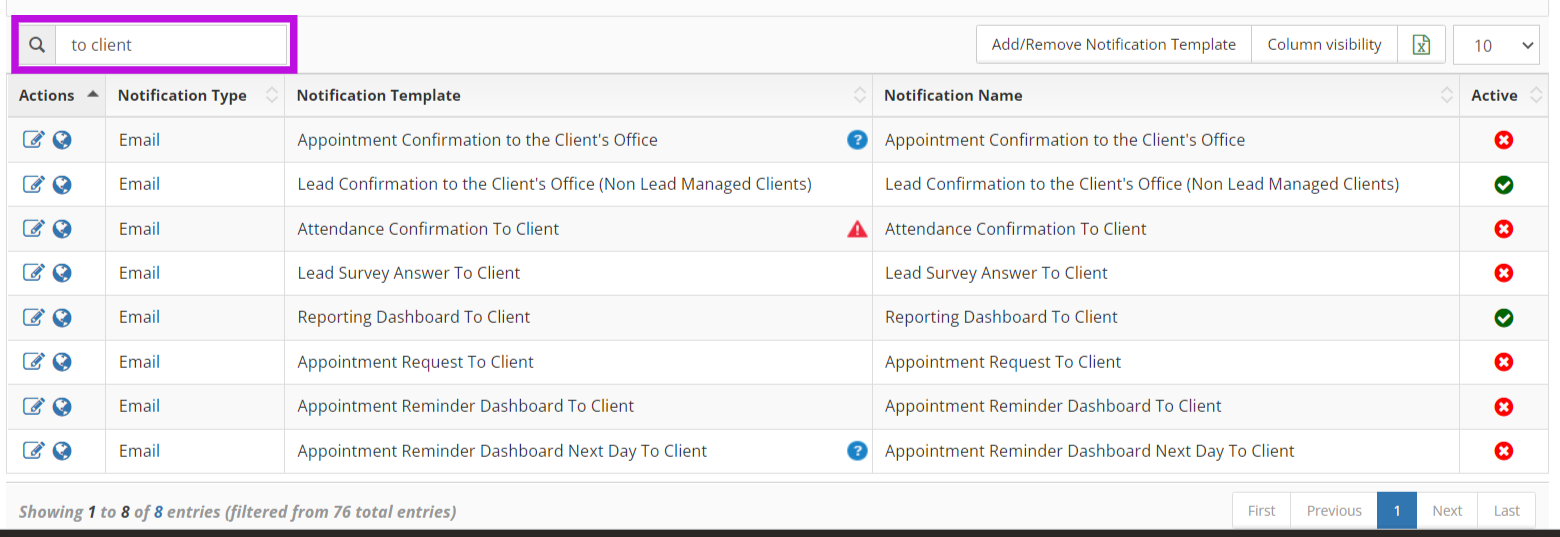
1.) Go to Admin Tools > Client Manager > Marketing Onboarding > Notifications 2.) Click Edit on the notification that you want to add a recipient for. You can easily find staff-facing notifications by typing “to client” into the search bar.
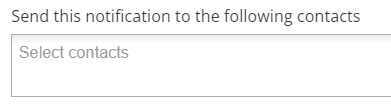
 3.) Click into Send this notification to the following contacts to add recipients from your contacts list