Education Library
Understanding The History Tab
The history panel is going to show all communication and activity history for the patient.Timeline
The first tab is Timeline, which will show all activity in a chronological timeline. You can click on any of the other tabs to see activity history by category.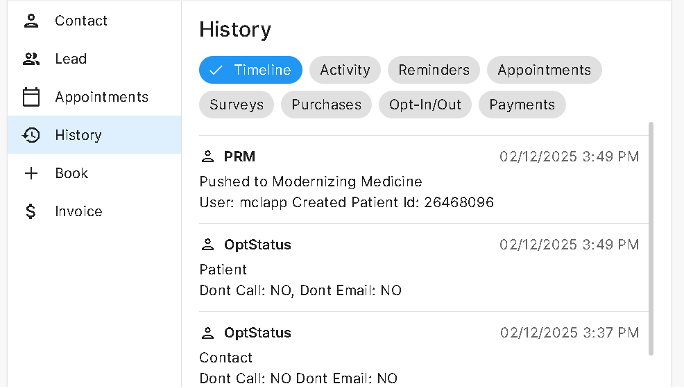
Activity
The activity shows all follow-ups created for this person’s leads. Each activity notes the user who generated it and any notes left by the user. Sometimes, an activity’s user says “Best Practices,” which indicates that the system generated the activity automatically.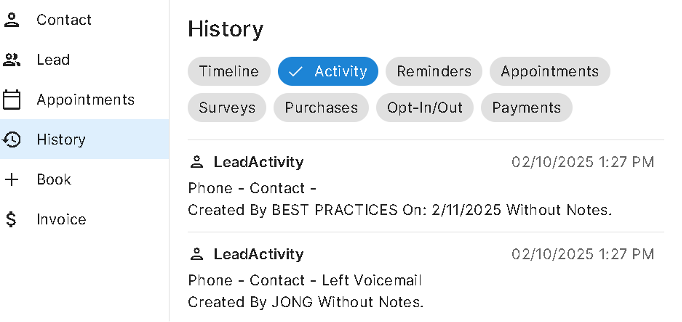
Reminders
Reminders display a history of appointment reminders and confirmations that they system sent or attempted to send. If an intended reminder failed to send then a reason for the failed delivery will be noted. Please note this is only a history of RSI reminders. If you have reminders running through another vendor, those will not appear in the reminder history.
Appointments
Appointments will show a history of appointments and their statuses. If there are any future appointments booked for the patient, those will also show in this tab. If the appointment was booked using the Book tab, then the Booked By will show the RSI username that booked. If an appointment was booked online then the Booked By will say “Online Scheduling”. If the appointment was booked directly in the practice management system then the Booked By will say “PMS”.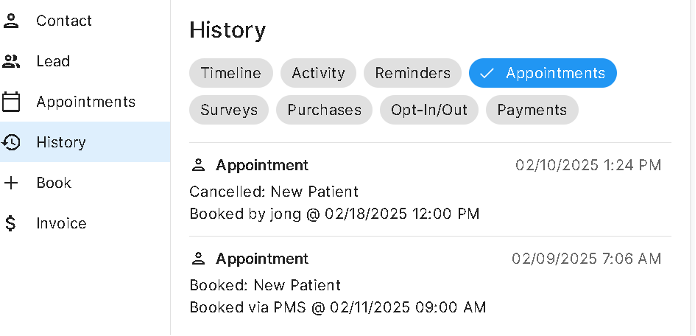
Surveys
Surveys will show any surveys that the patient responded to. Please note this is only a history of RSI surveys. If you have surveys running through another vendor, those will not appear in the survey history.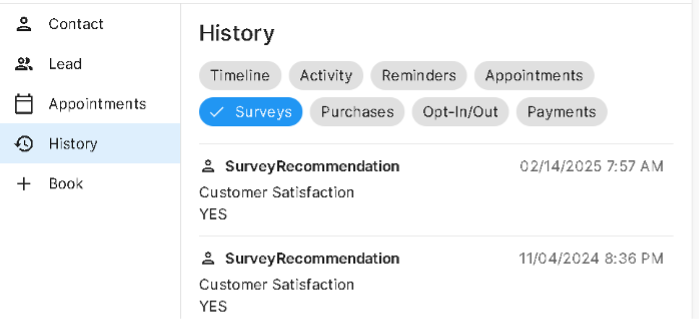
Purchases
Purchases will show a history of bills created for the patient.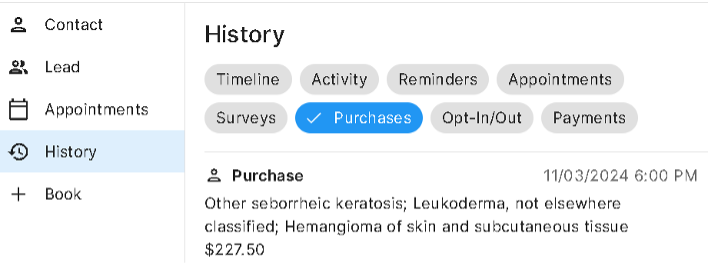
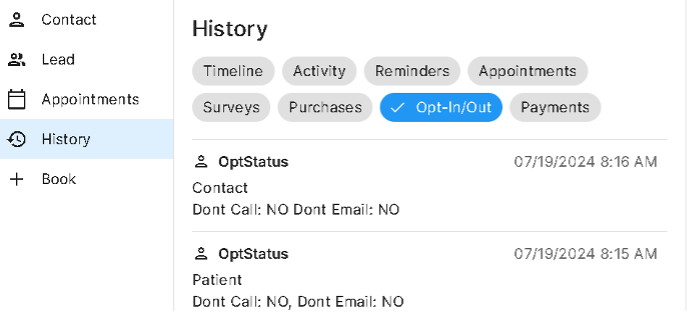
Opt-In/Out
This tab will display a history of opt in or out statuses for the patient in regards to text and email communication. All patients are automatically opted into all email communication unless someone has marked their email in the practice management system as opted-out. All patients are automatically opted into text communication related to their specific patient care unless someone has marked their mobile number in the practice management system as opted out. Patients are not automatically opted into marketing text messages. Patients have to opt into marketing messages themselves.